Overview
🚨 Crisis messages
📜 Past Crises
Crisis Messages
Only messages flagged as Crisis appear here. Other urgency levels are visible to counselors.
| When | Student | Reason | Urgency | Assigned Counselor | Info | Notes |
|---|
All Students
Student Assignments
Assign students to counselors. Each counselor will only see students assigned to them.
Counselors
| Name | Status | Actions |
|---|
Students (SIS Import)
Upload a CSV exported from your SIS (PowerSchool, Infinite Campus, etc.).
Expected columns: student_id, first_name, last_name, grade, email (header row required, extra columns ignored).
💡 Update SIS Info refreshes student details (address, guardian phones, medical, etc.) using an extended CSV — use this if the automatic sync from your SIS didn't populate a field.
Current roster
| Student ID | Name | Grade |
|---|
Master Calendar
Events here appear on every counselor's calendar. Use Sync SIS School Year to auto-populate holidays, breaks, half days, and A/B schedule days from your SIS feed.
Counselor Reports
Monthly anonymized totals submitted by counselors. No student names included. Archive a report when you're done reviewing it.
⚙️ Settings
Manage your password and how you receive external notifications.
🔑 Password
Account: —
📬 External Notifications
Get pinged off-app for crisis alerts and reminders.
🎨 Theme Colors
Change the accent color and header/sidebar text color. Applies to admin & counselor dashboards.
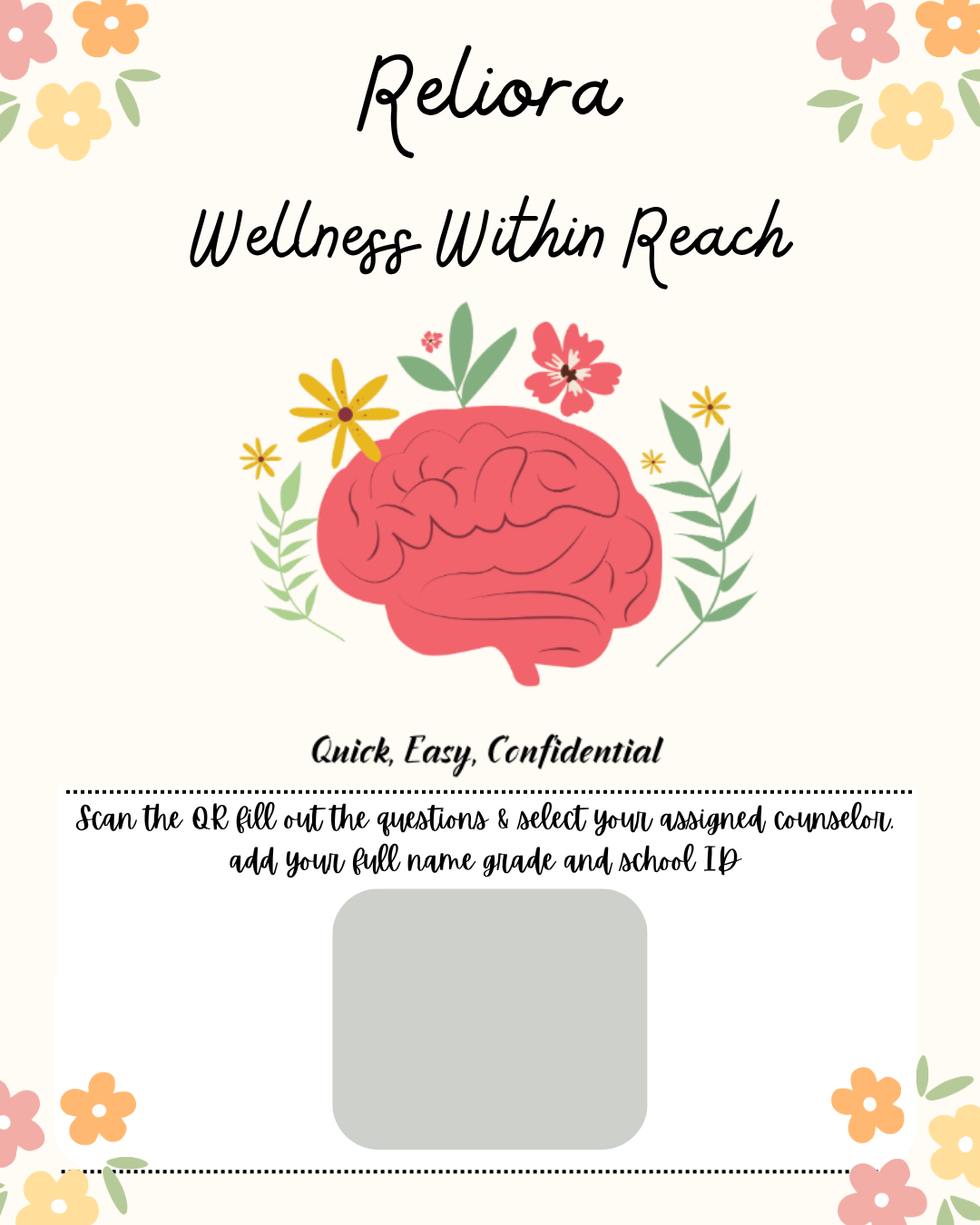
🖨️ Printable Student Poster
Print, insert your QR code for the student side, and post around your school so students know about Reliora.
The QR always points to your student portal — even off Lovable. Set the public student URL below and it saves for every reprint.